[Taiwan's Bryton] The Latest Rider 460 Bicycle Computer - The Pinnacle of Cost-Performance | 3 Key Features that Will Delight Jason!
Posted by Jollymap - 2024-07-24T00:00:00.000+08:00 - 產品介紹
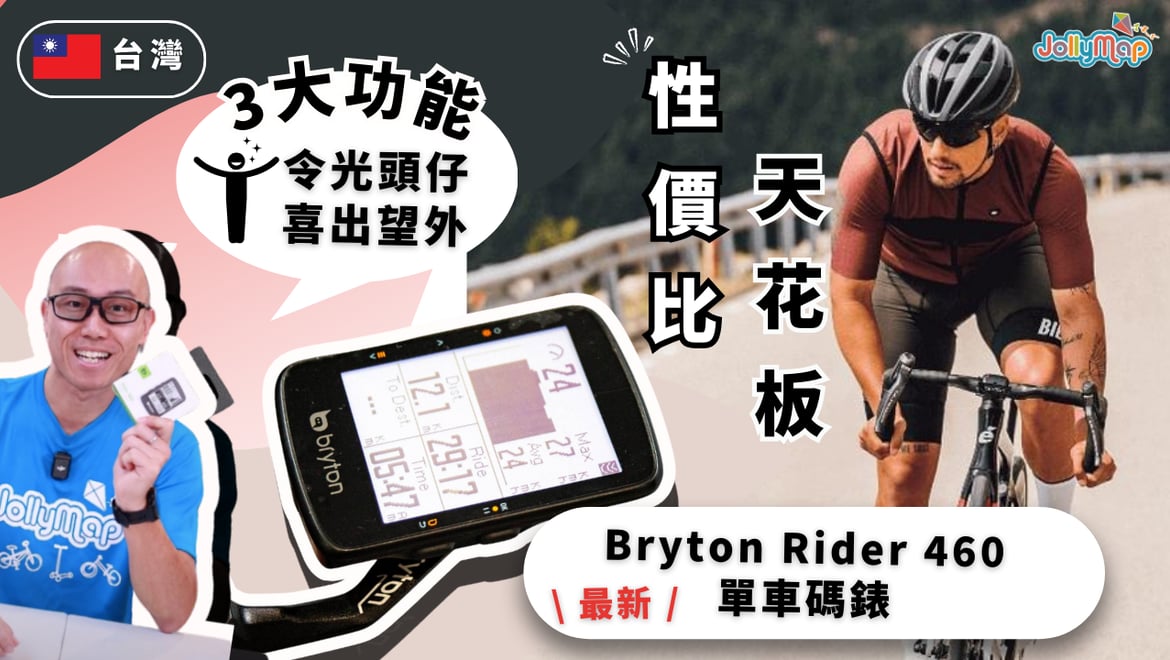
Bryton 460 Bike Computer - Entry-Level Price, Intermediate to Advanced Features

Welcome to our product unboxing and review. Today, we're introducing Bryton's latest entry-level bike computer, the Bryton 460. Despite its entry-level pricing, the Bryton 460 boasts features typically found in more advanced models, allowing you to enjoy greater functionality and performance. In our detailed review video, we will delve into the upgraded features and selling points of the Bryton 460, highlighting its advantages and characteristics. Whether you are considering your first bike computer or looking to upgrade from a basic model, the Bryton 460 is an ideal choice.
For more details about the Bryton 460 bike computer, please continue reading below as we present additional information on this product.
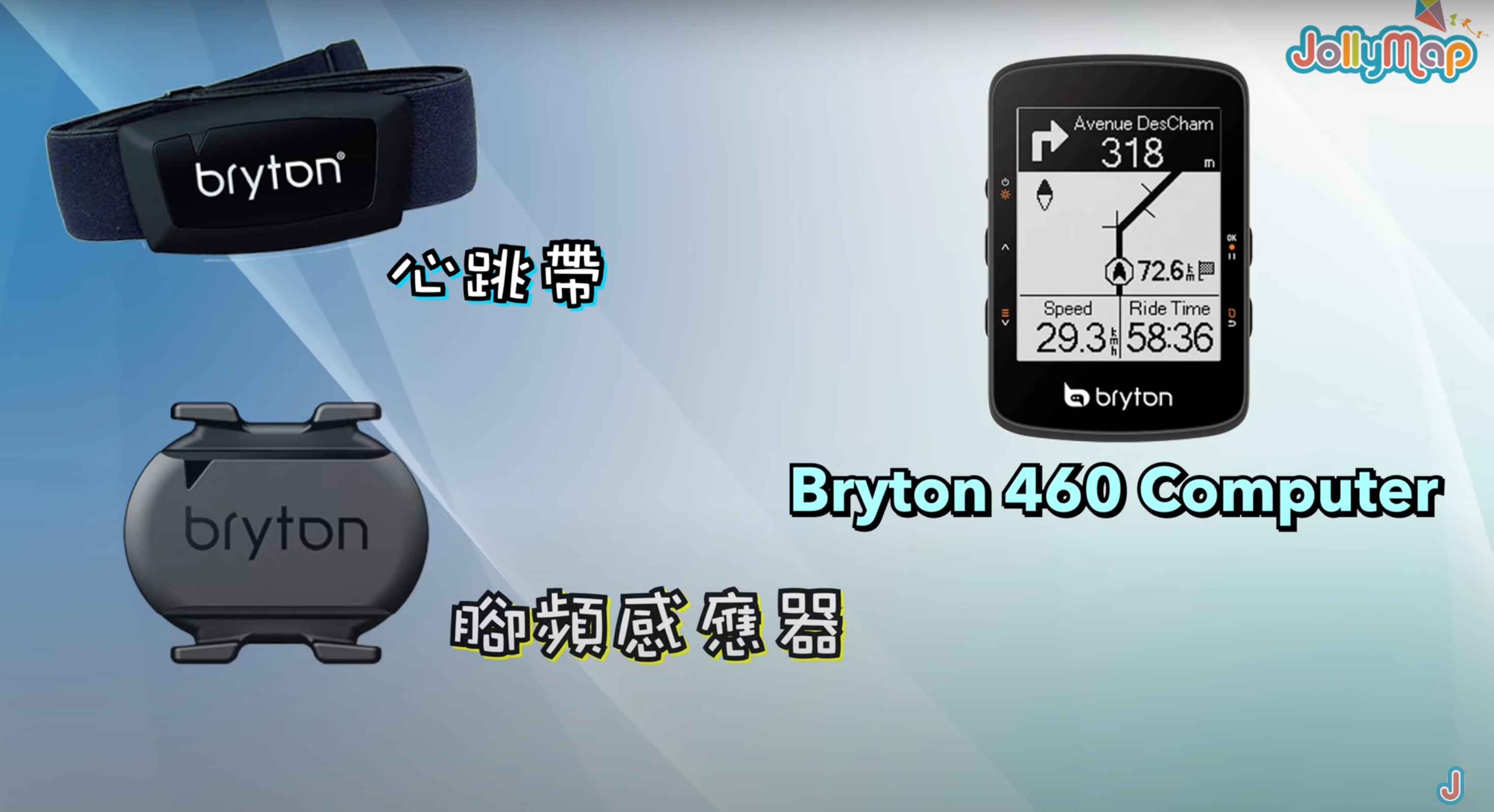

Bryton 460 Bike Computer - Multiple Packaging Options
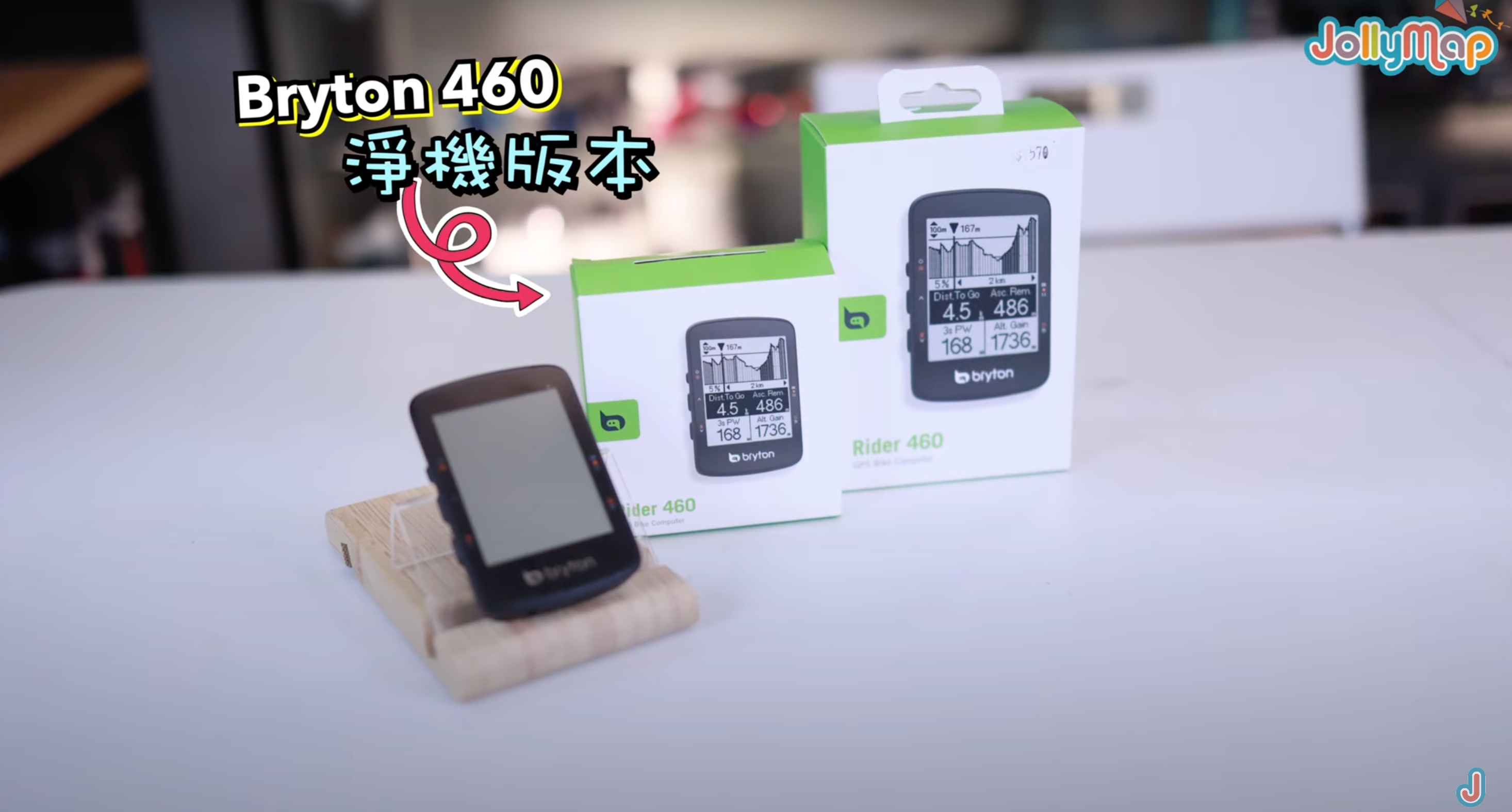
The Bryton 460 bike computer comes in two packaging options. One is the standalone version, and the other is the Combo version, which includes a heart rate monitor and cadence sensor.

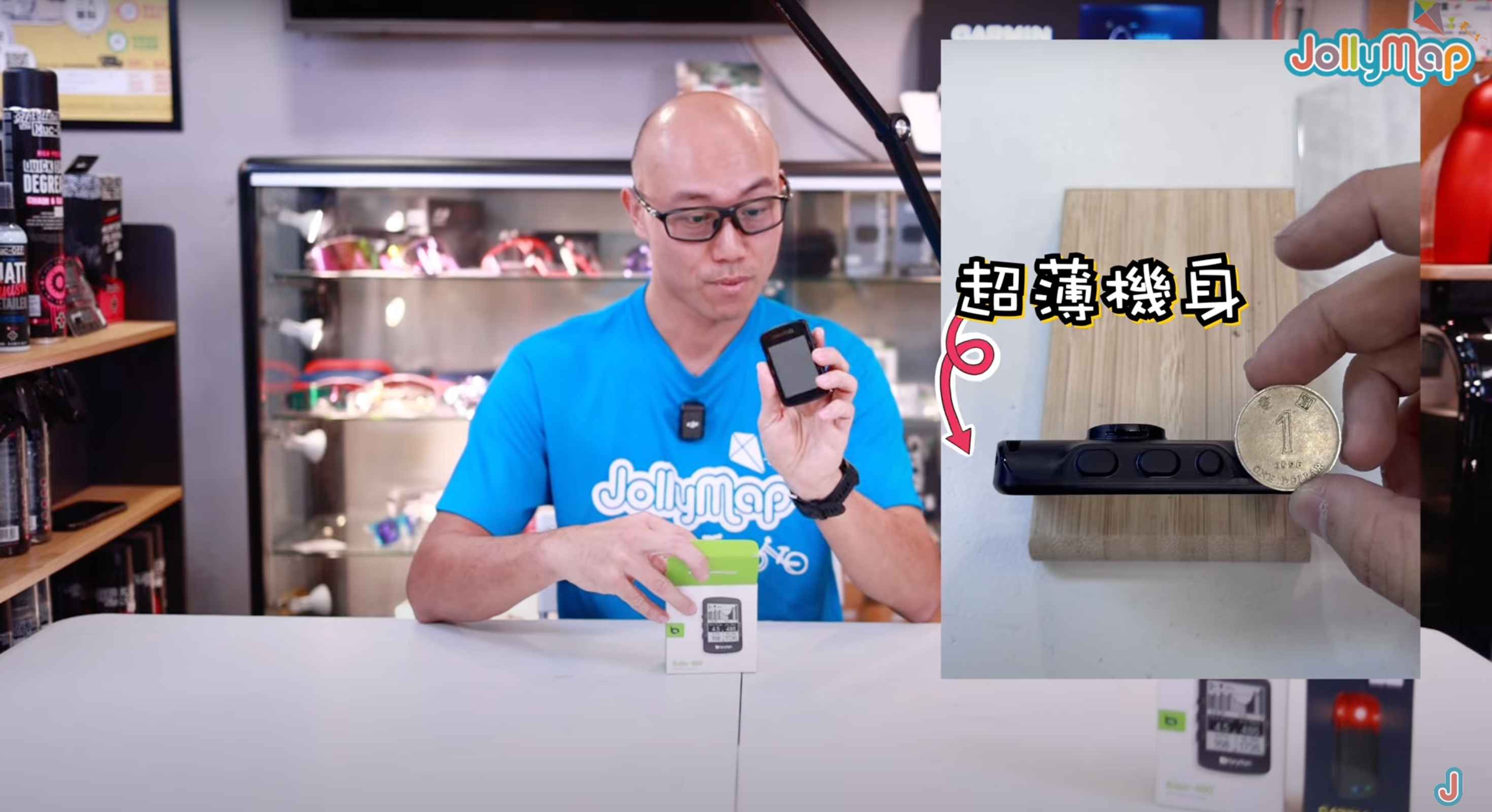
Today, we are unboxing the standalone version. Let's take a look at what’s included. The standalone version of the Bryton 460 bike computer is presented in a square box with a photo of the computer on the front. Additionally, the side of the box lists its various features. The computer itself is designed to be very thin, making it lightweight and comfortable to wear.
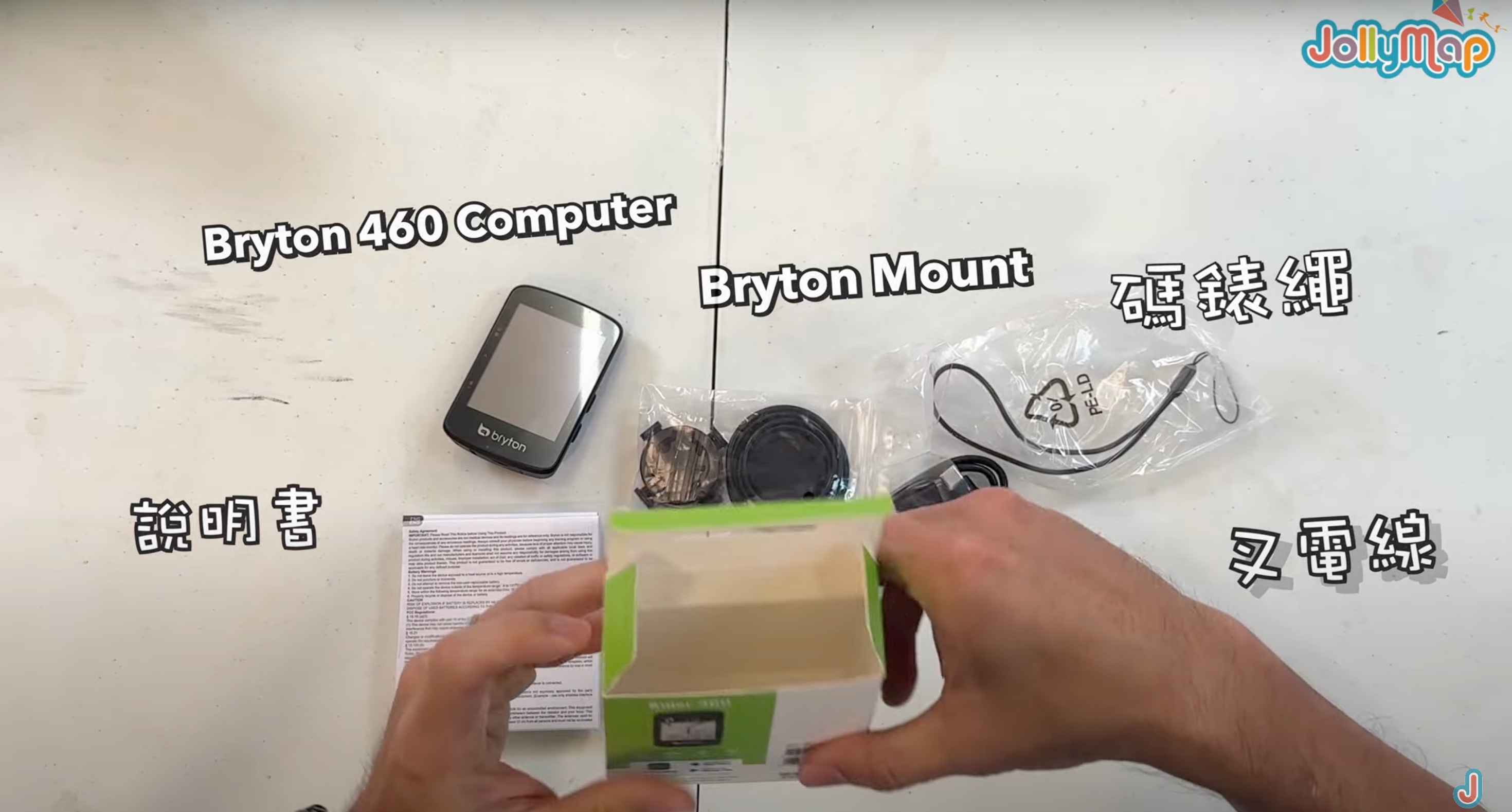
Besides the computer itself, the standalone version also includes other accessories to enhance its functionality and options.
Bryton 460 Bike Computer Exterior Features
The Bryton 460 bike computer has the following exterior features:
Large Screen
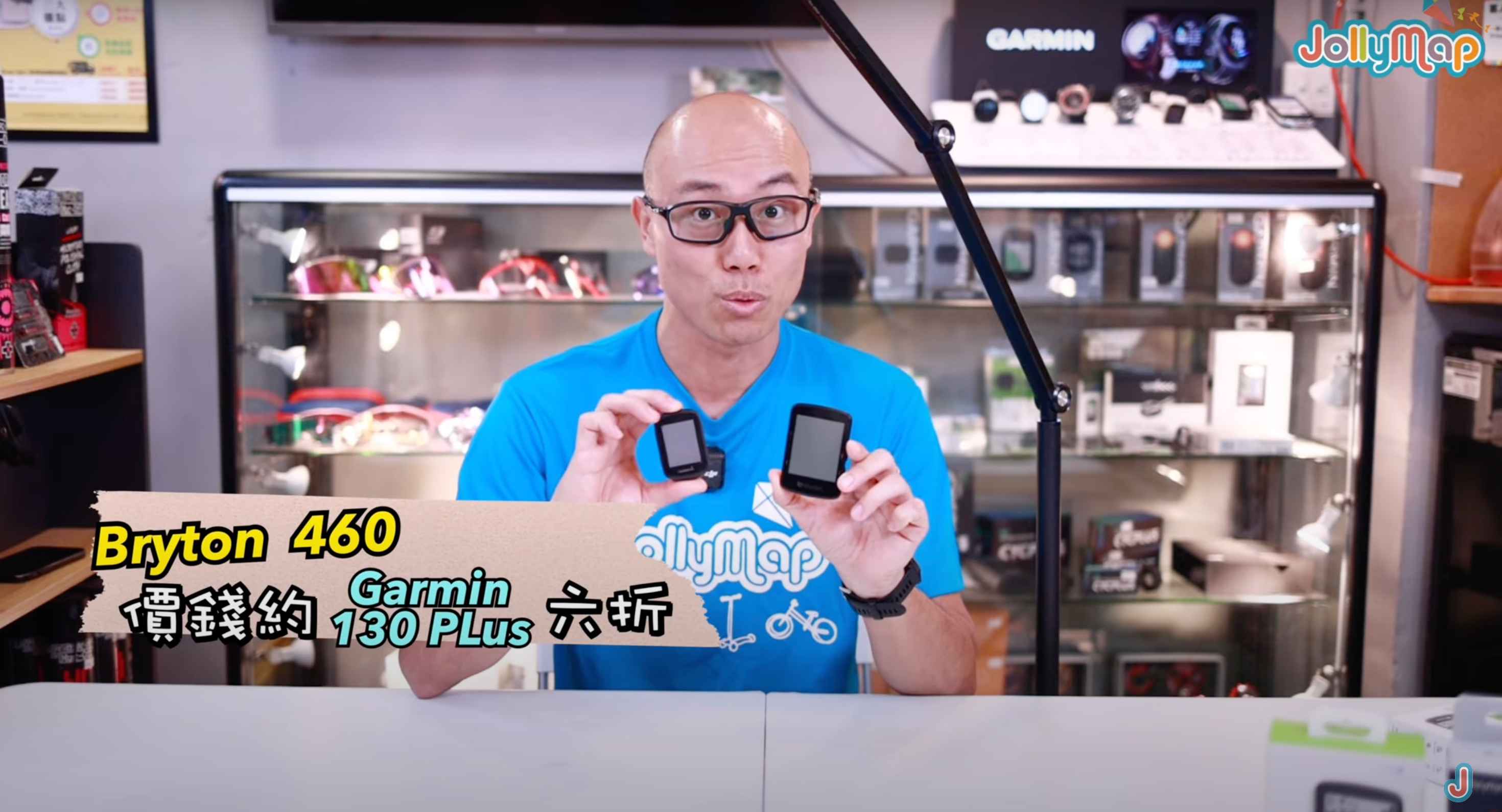
The Bryton 460 features a 2.6-inch large screen, which is larger than the similarly priced Garmin entry-level model Edge 130, providing a better visual experience.

Slim Design and Streamlined Appearance
The Bryton 460 adopts a slim design and streamlined appearance, making it look very stylish. This design not only makes it more comfortable to wear but also reduces wind resistance during racing or long rides.
Button Design
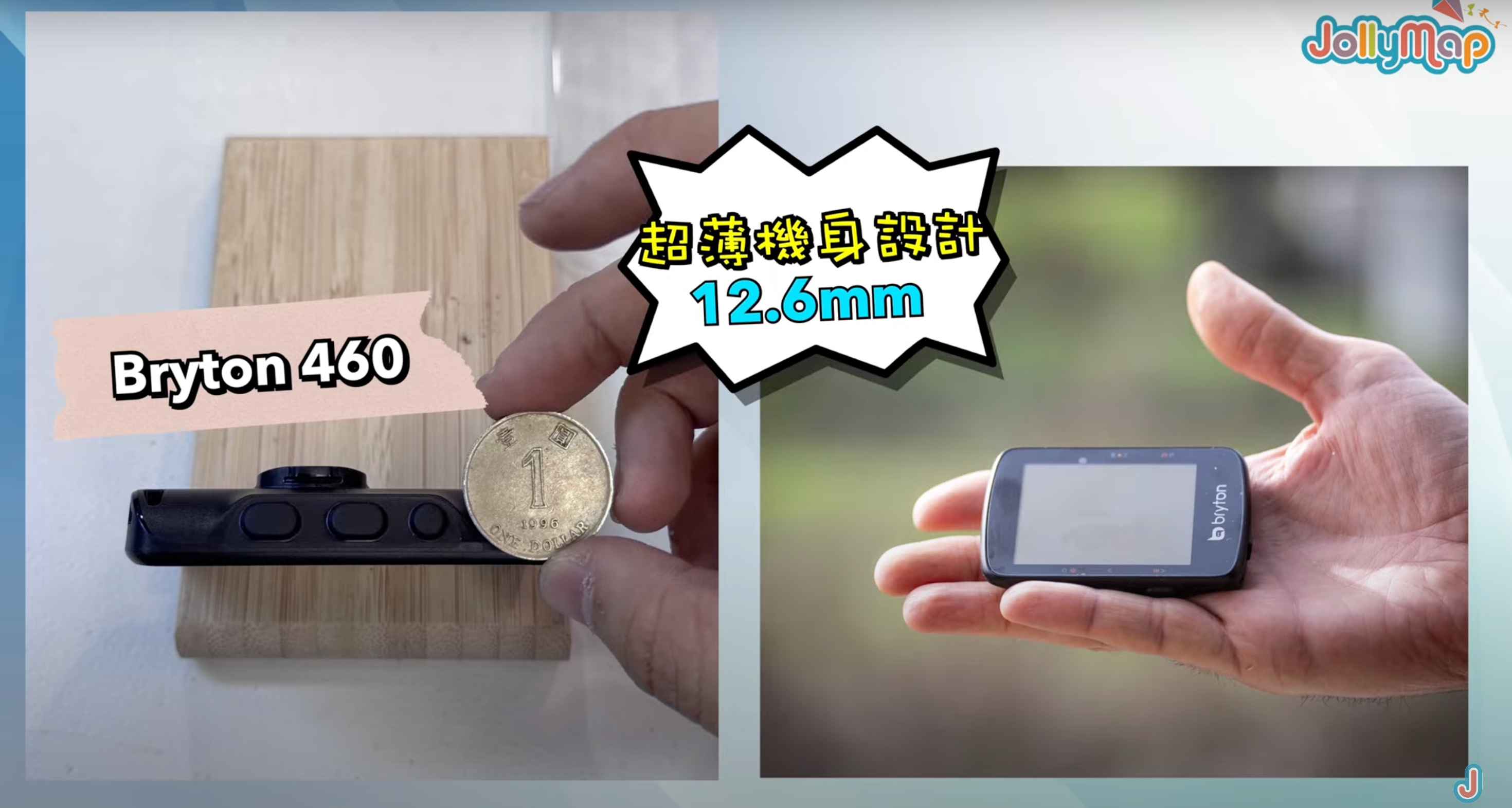
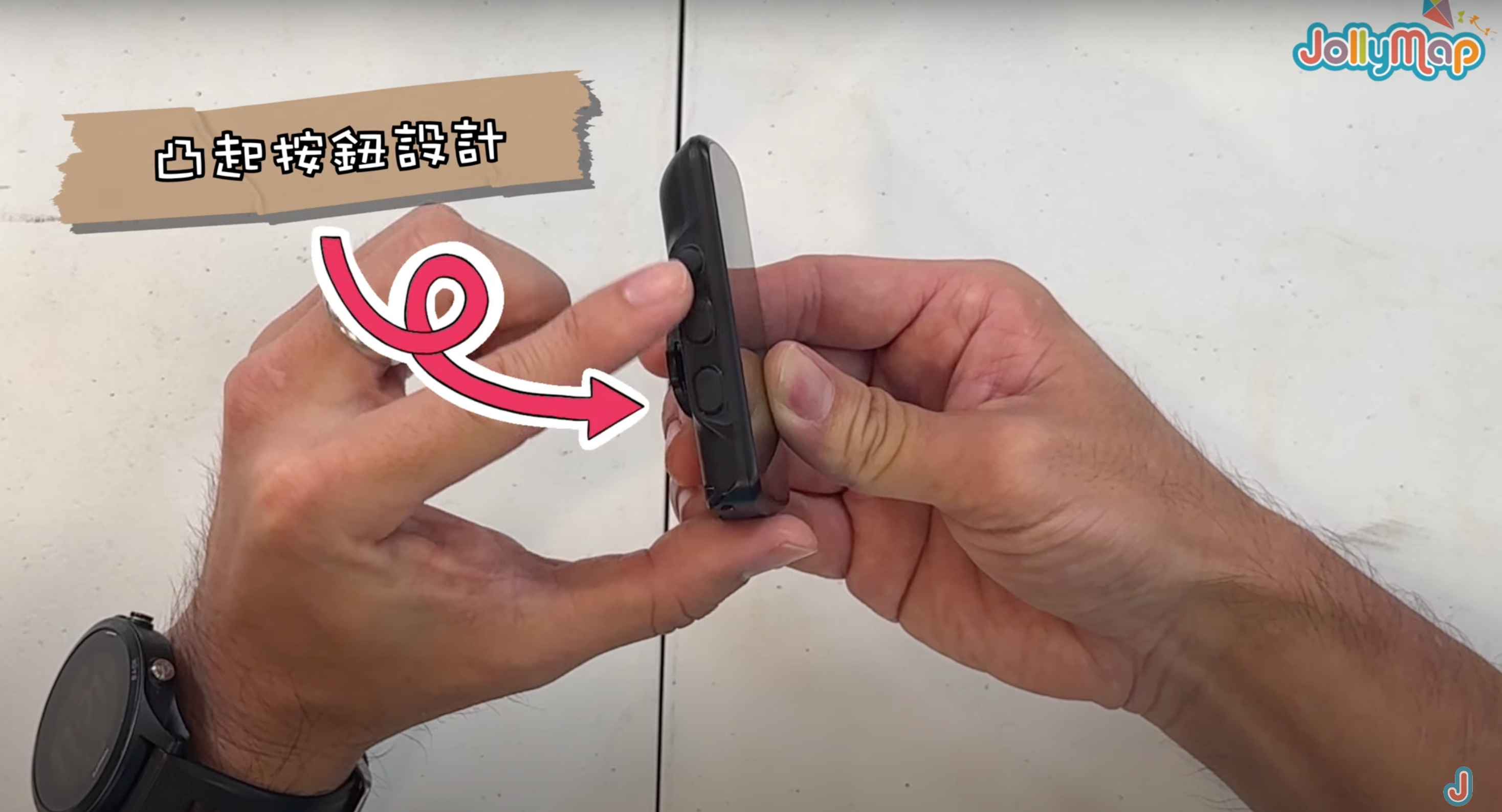
The Bryton 460 is equipped with five buttons on the sides of the device, each of which is raised and easy to press, even when wearing gloves. This button design is particularly practical for quick operations during riding.
- ON/OFF Button: Turns the computer on and off.
- Backlight Up/Down Buttons: Adjusts the brightness of the backlight.
- OK Button: Confirms selections or enters related functions.
- Back Button: Returns to the previous menu or cancels an operation.
These buttons are clearly designed, making it easy to find the desired function even while riding.
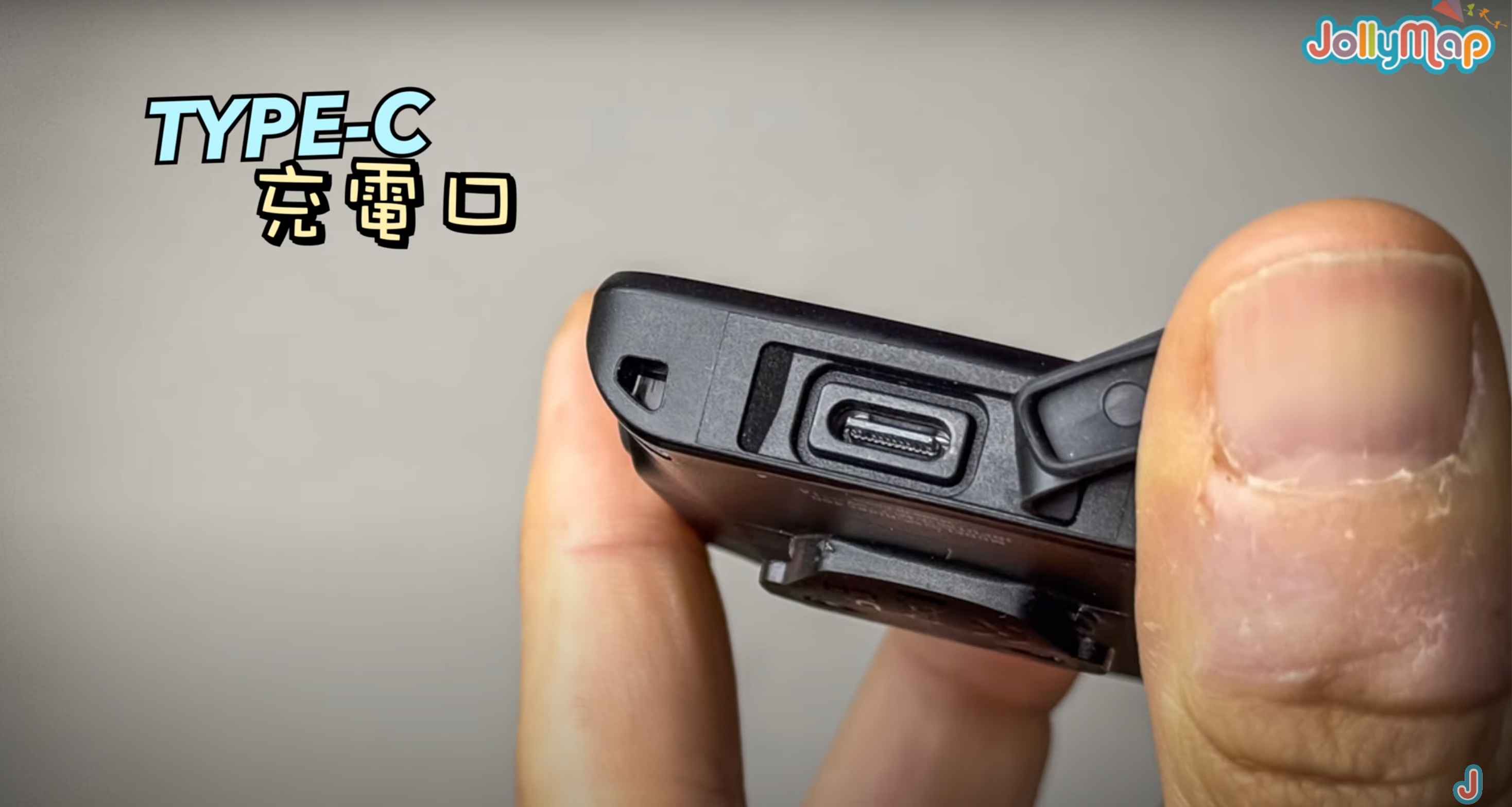
Waterproof Cover and Type-C Charging Port
At the bottom of the Bryton 460, there is a waterproof cover that, when opened, reveals the Type-C charging port. This waterproof cover ensures the charging port's waterproof performance. When closed, the Bryton 460 achieves an IPX7 waterproof rating, meaning it can effectively prevent water from entering the computer even in heavy rain, ensuring its normal operation.
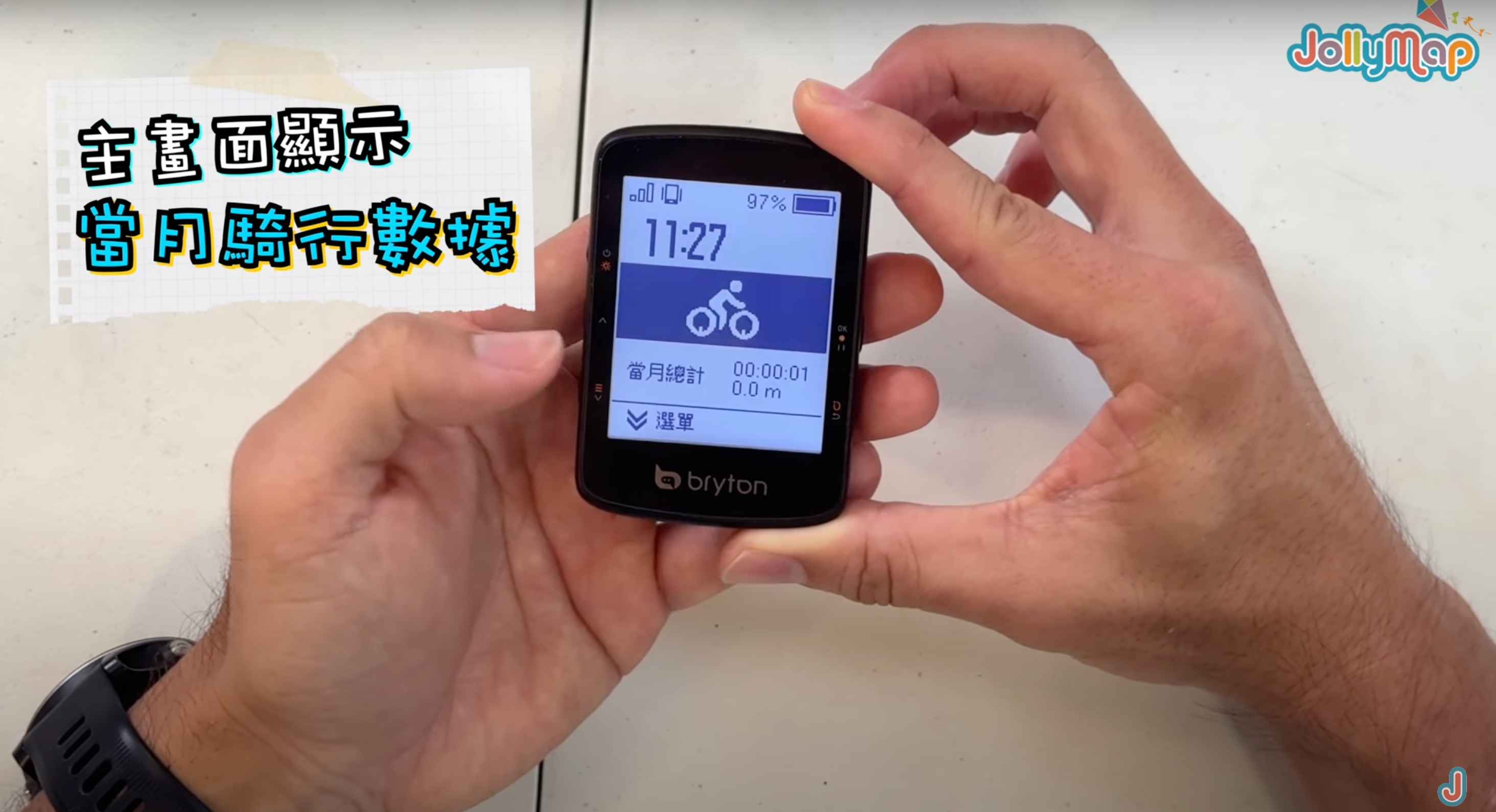
Powering On and Main Screen
When you hold down the power button on the top of the Bryton 460 for a few seconds, the screen lights up. It starts up faster than expected, and you will see the main screen.
The content displayed on the main screen depends on whether you have any riding records for the month. If you do, it will display the relevant data.
Menu and Functions
Holding the bottom menu button on the Bryton 460 for a while produces a sound, and then you enter a menu.
The user interface of the Bryton 460 is very simple and easy to navigate. Here are some functions and options:
Planning
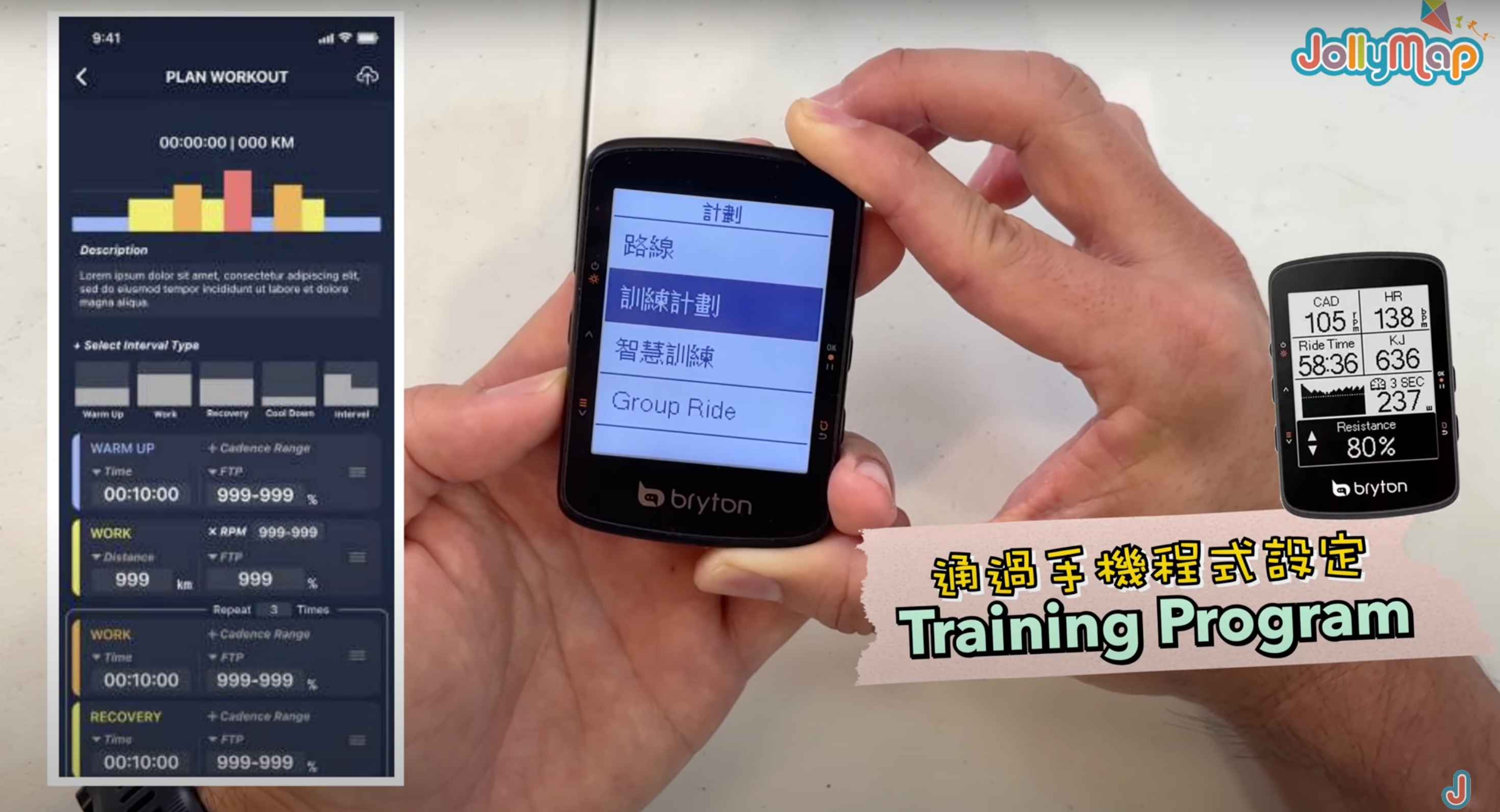
- Routes: View and navigate routes.
- Training Plans: Load training plans onto the computer via a mobile app.
- Smart Training
- Indoor Bike Trainer Connectivity: Connect the computer to an indoor bike trainer for training.
- Group Ride: A rare feature in entry-level computers, allowing you to participate in group rides.

Settings
In the settings menu, you can adjust the following:
- Riding Settings: Includes display settings, backlight contrast, etc.
- Peripheral Devices: An important setting for pairing the computer with different sensors. You can choose to pair with heart rate monitors, cadence sensors, speed sensors, power meters, and support for electronic shifting systems like SRAM and Shimano.
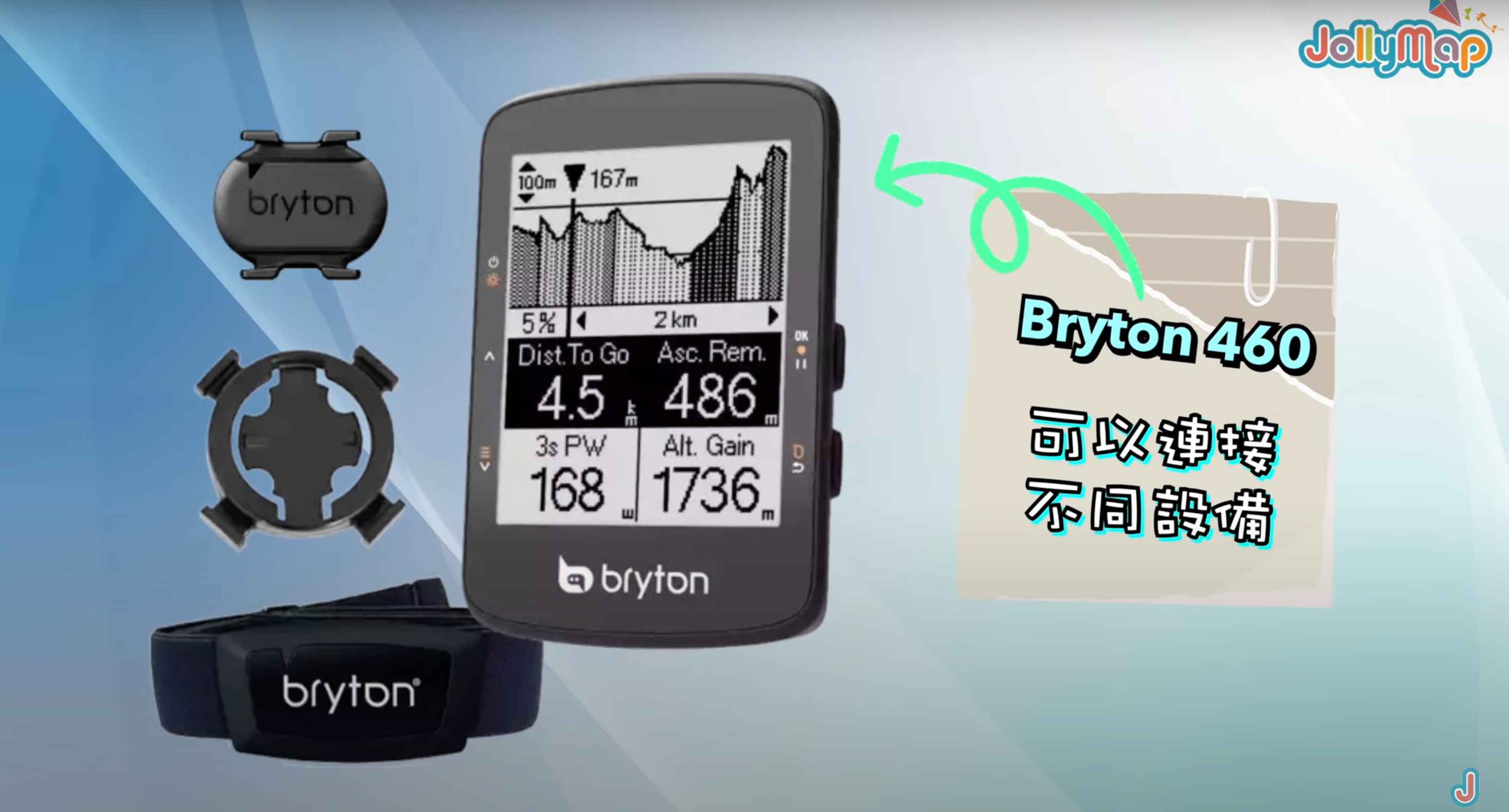
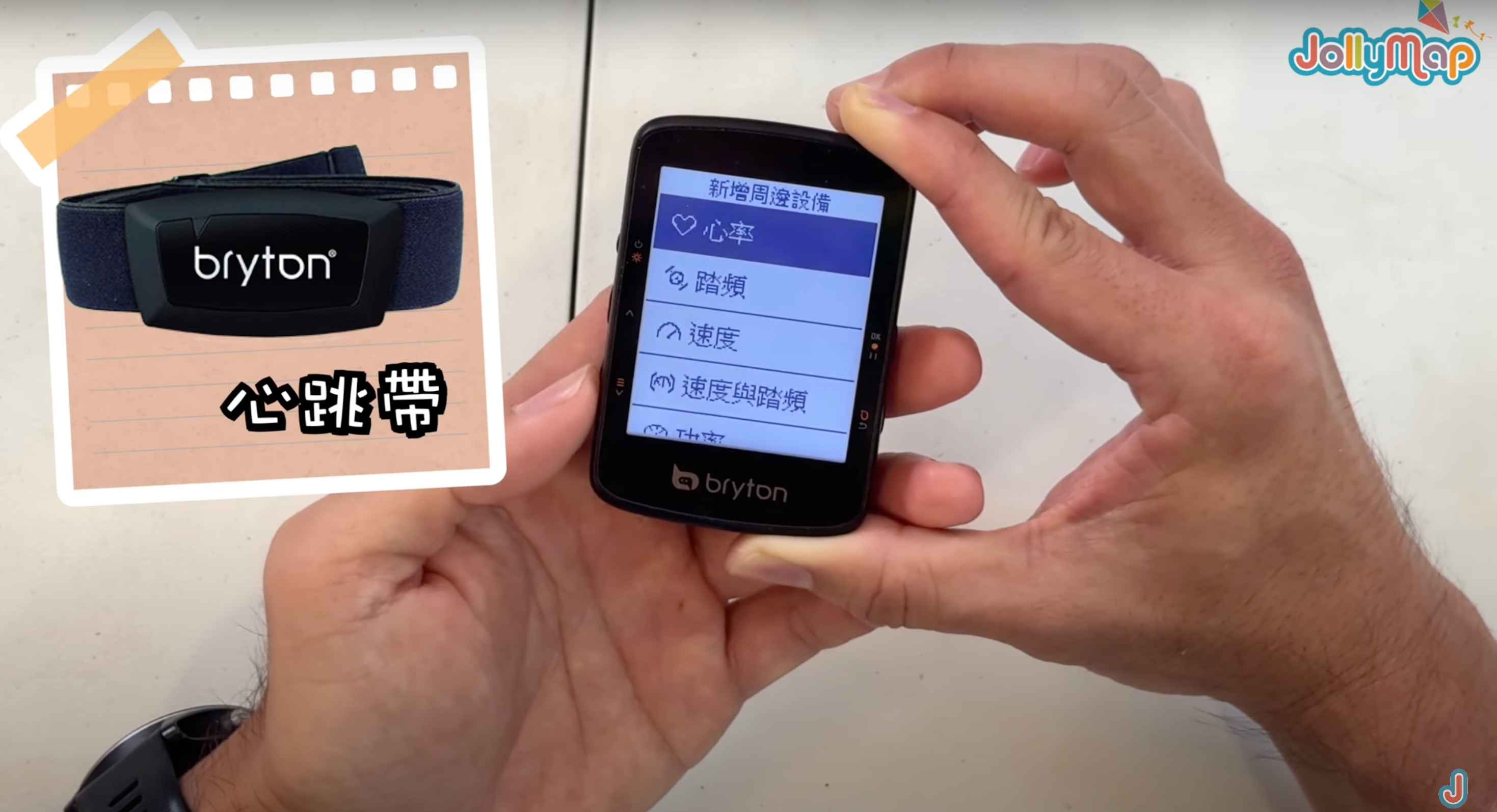
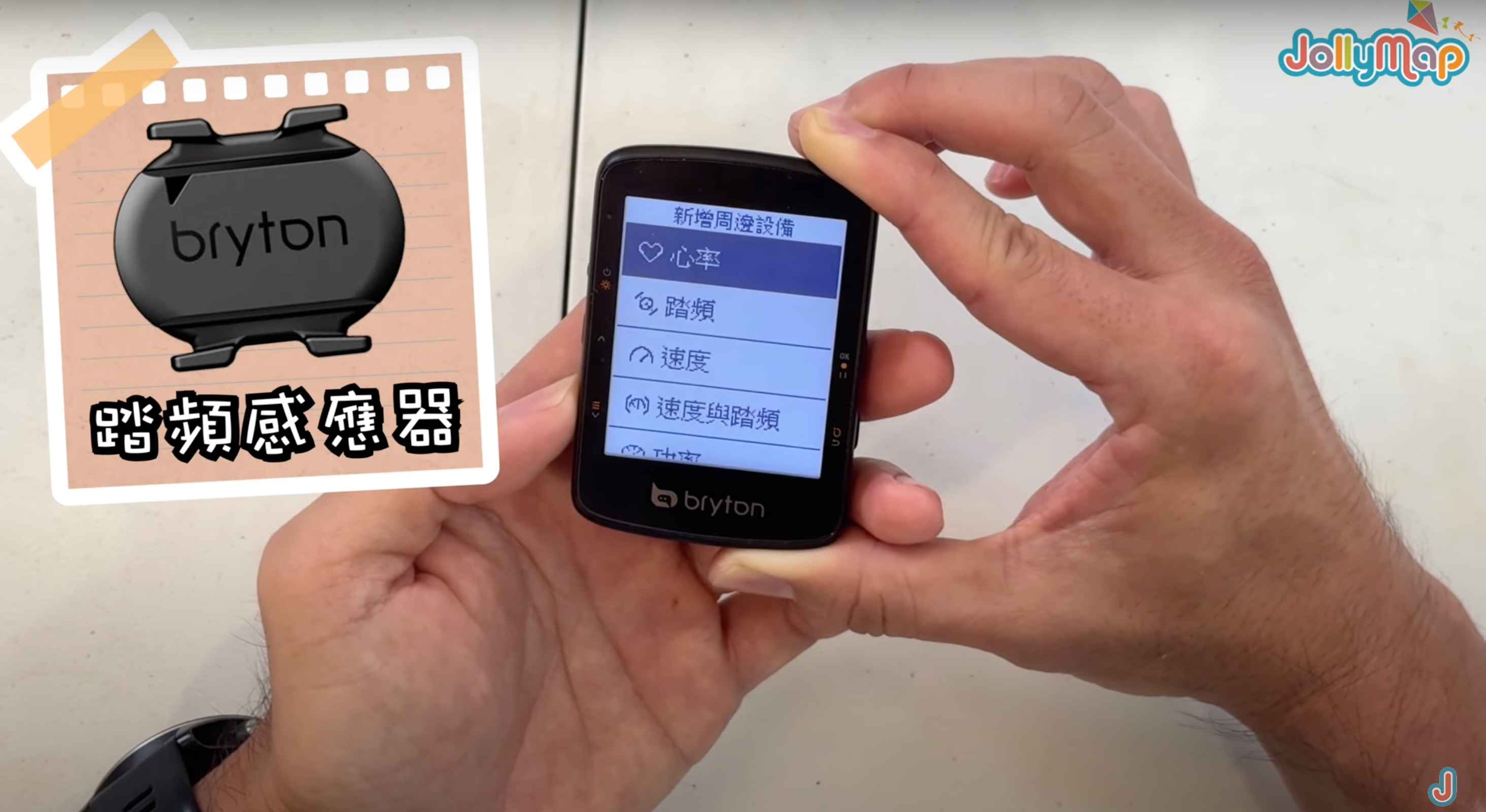

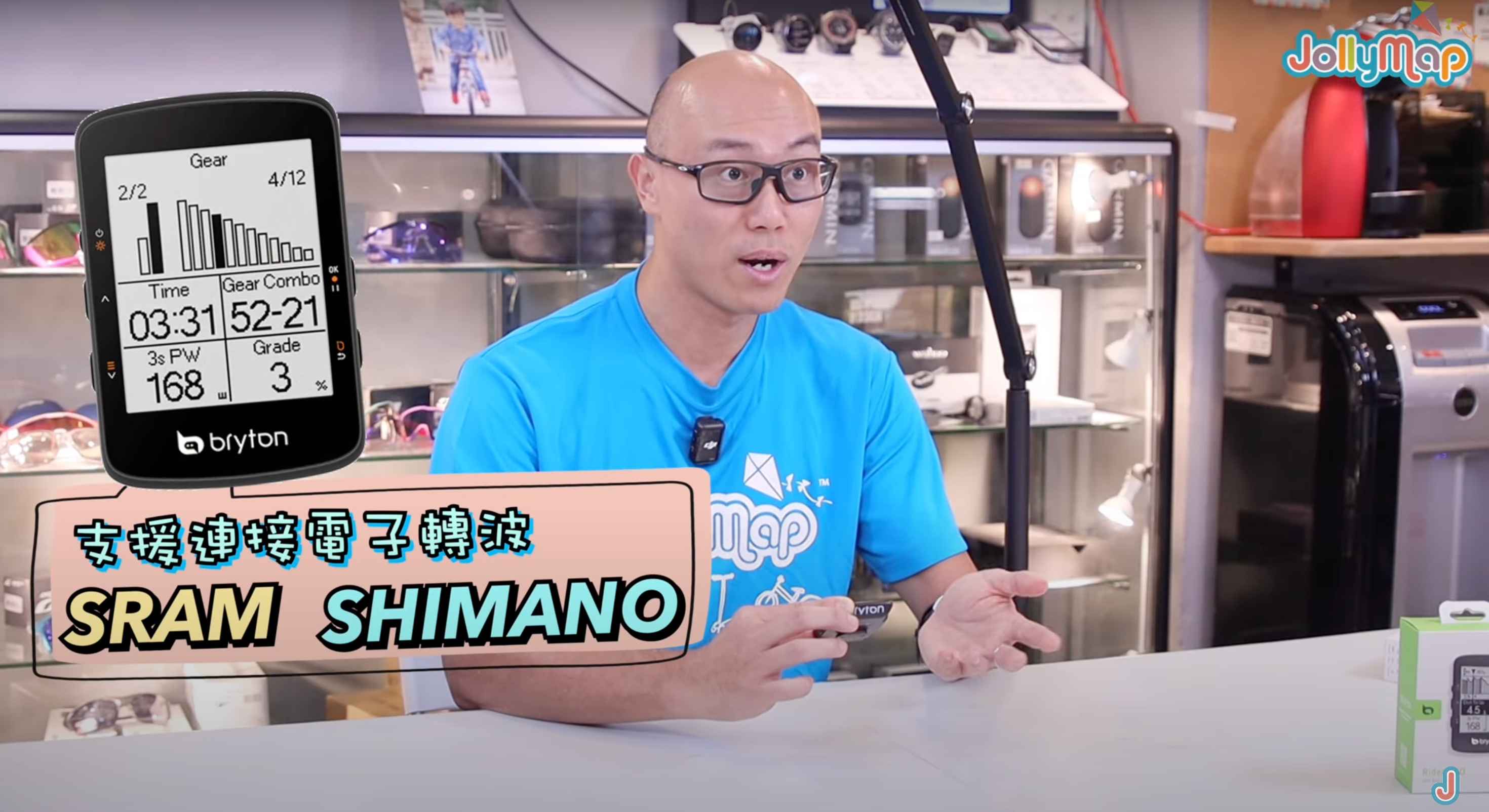
- Radar: The Bryton 460 also supports connection to bike radar devices, though this feature might be less commonly used in Hong Kong.


Bryton Sports Computer - APP Connectivity Interface
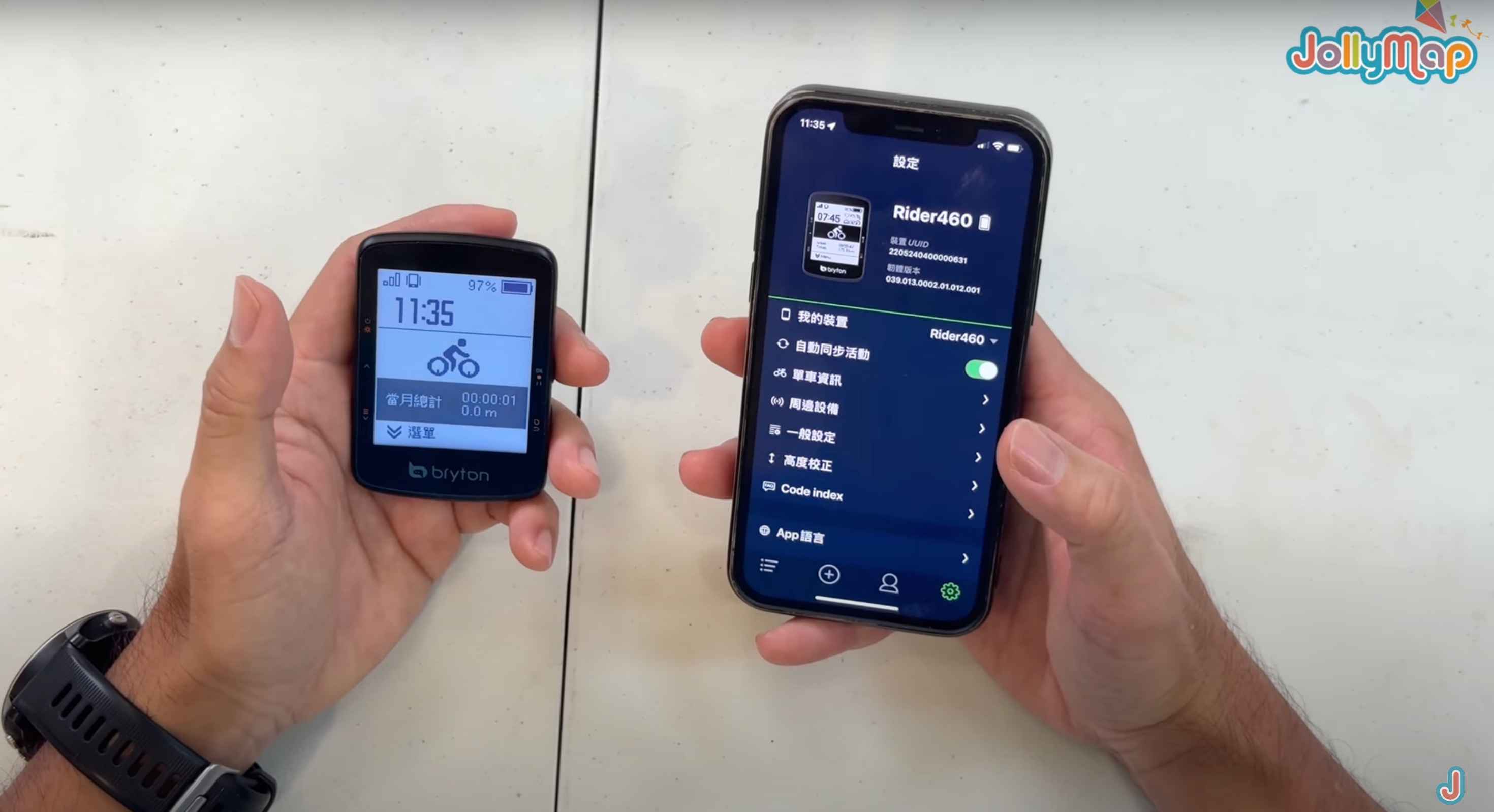
The Bryton app is thoughtfully designed, allowing for quick and automatic connection after the initial Bluetooth pairing. It enables easy setup of various bike information on the computer via the mobile app, eliminating the need to adjust each setting through the computer's buttons. Compared to the small text display on traditional Garmin computers, the Bryton app interface is clearer, making it more convenient to view the necessary data during rides, significantly enhancing the user experience.
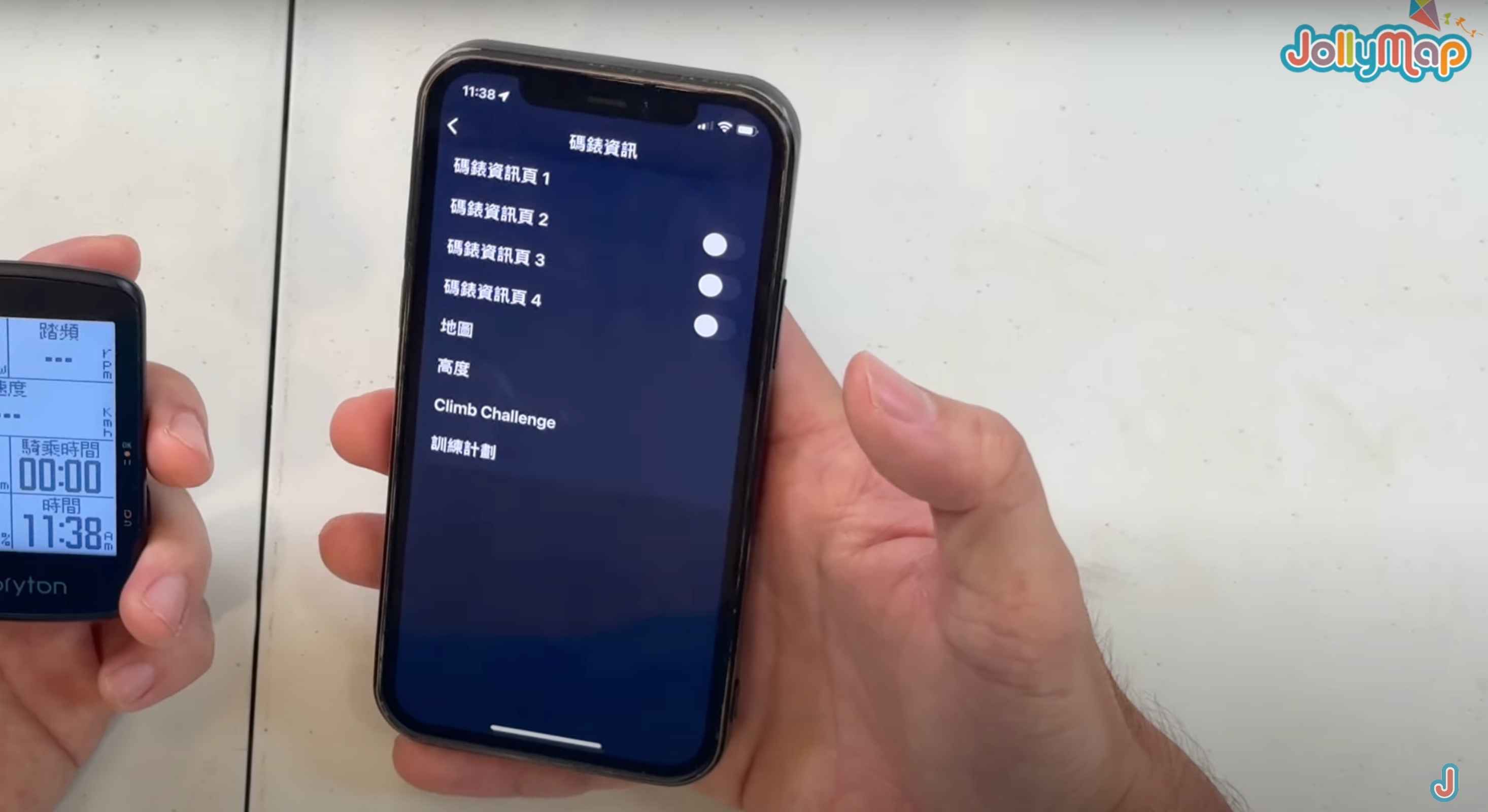
Easy Viewing of Computer Information
If you want to view bike information and computer information, you can easily do so on this page. Simply select the bike information and computer information options to display different pages. Besides the first page, you can also open the second, third, and fourth pages to view more data relevant to your daily riding needs. Each page displays different data, allowing you to view and set according to your actual needs. This way, you can easily obtain the necessary bike and riding-related information, providing better support for your riding experience.

Personalized Bike Data
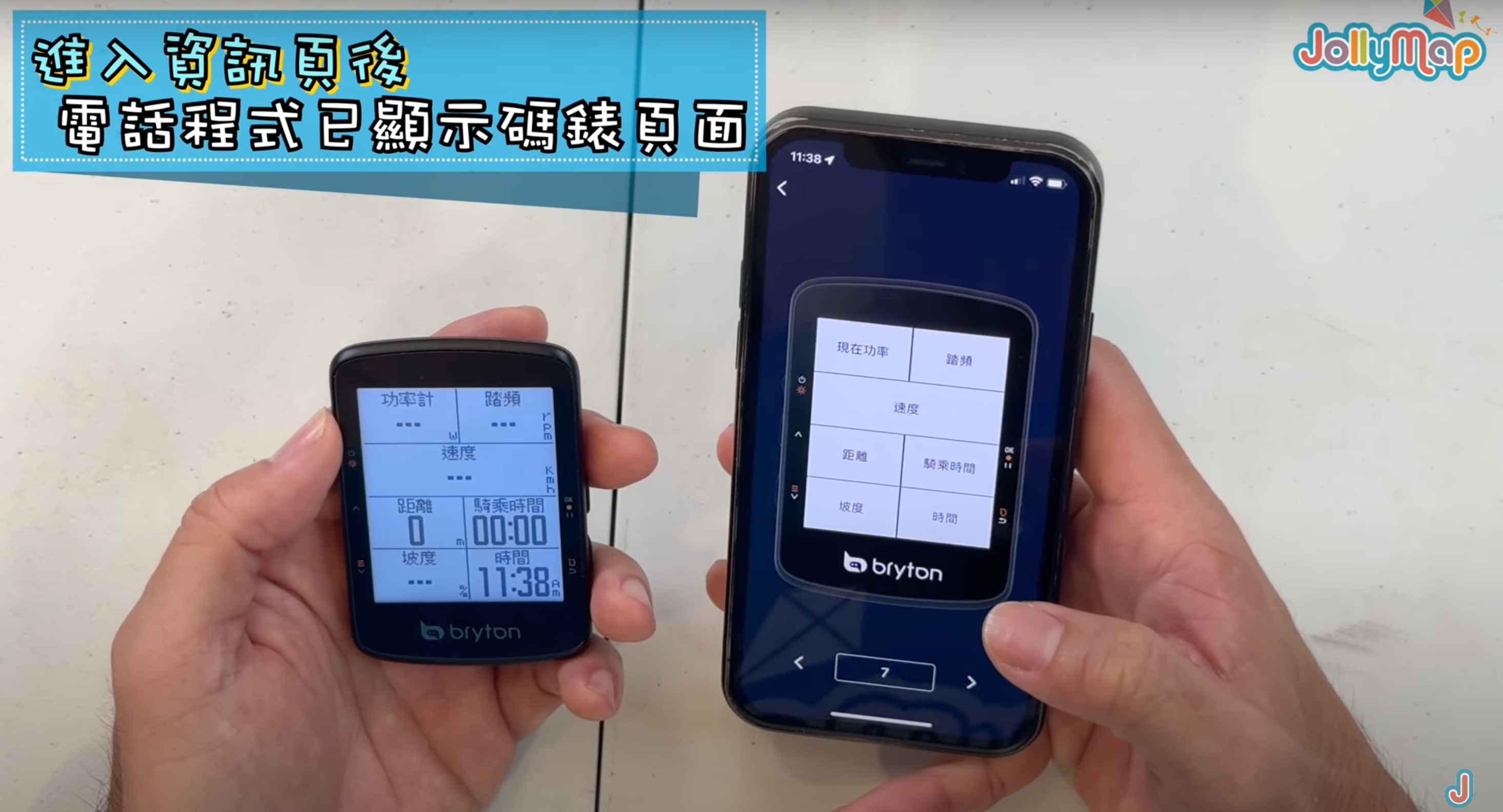
The Bryton Rider 460 can instantly display your riding data. You can easily modify and set the information you want to display on this page.
For example, you can change the currently displayed "Power" to "Average Power," and the app will instantly update and display the average power data. Additionally, you can choose to display information in an eight-grid or two-grid format, making the display more concise and clear.
The Bryton Rider 460 offers a wealth of custom settings. Users can find various bike riding-related data metrics in the app, including:
- Time
- Speed
- Distance
- Altitude
- Energy Consumption
- Temperature
- Heart Rate
- Cadence
- Power
- Cadence Analysis
- Direction
- Electronic Shifting
For each metric, users can further choose different display modes, such as charts or numerical values.
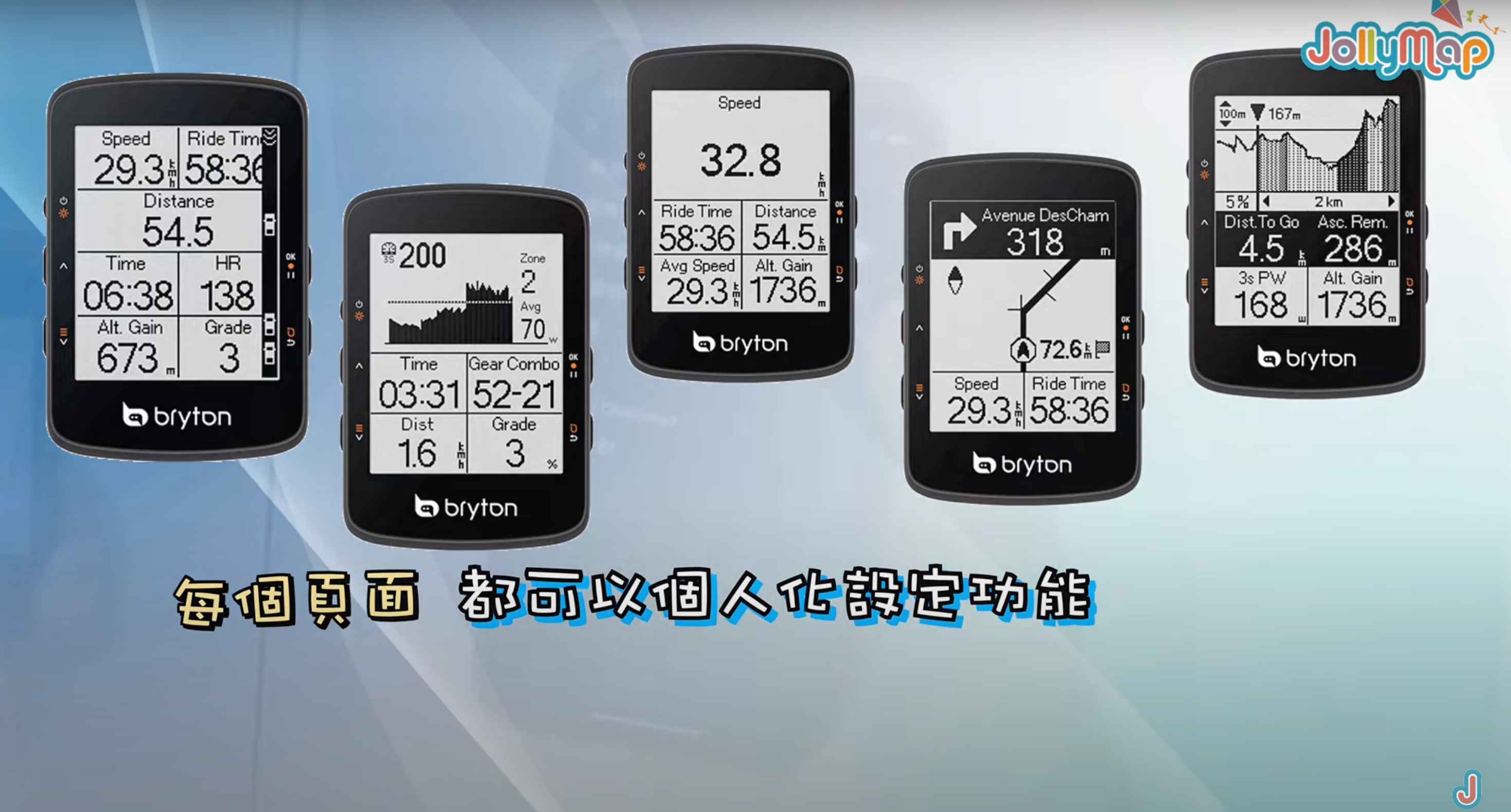
Through such detailed custom settings, users can configure the most suitable riding data display interface according to their needs. Whether you are a professional rider or an amateur cyclist, you can find the most suitable data monitoring method in the Bryton Rider 460, creating the most personalized riding experience.
Bryton and APP Sensor Connection Convenience
Automatic Connection
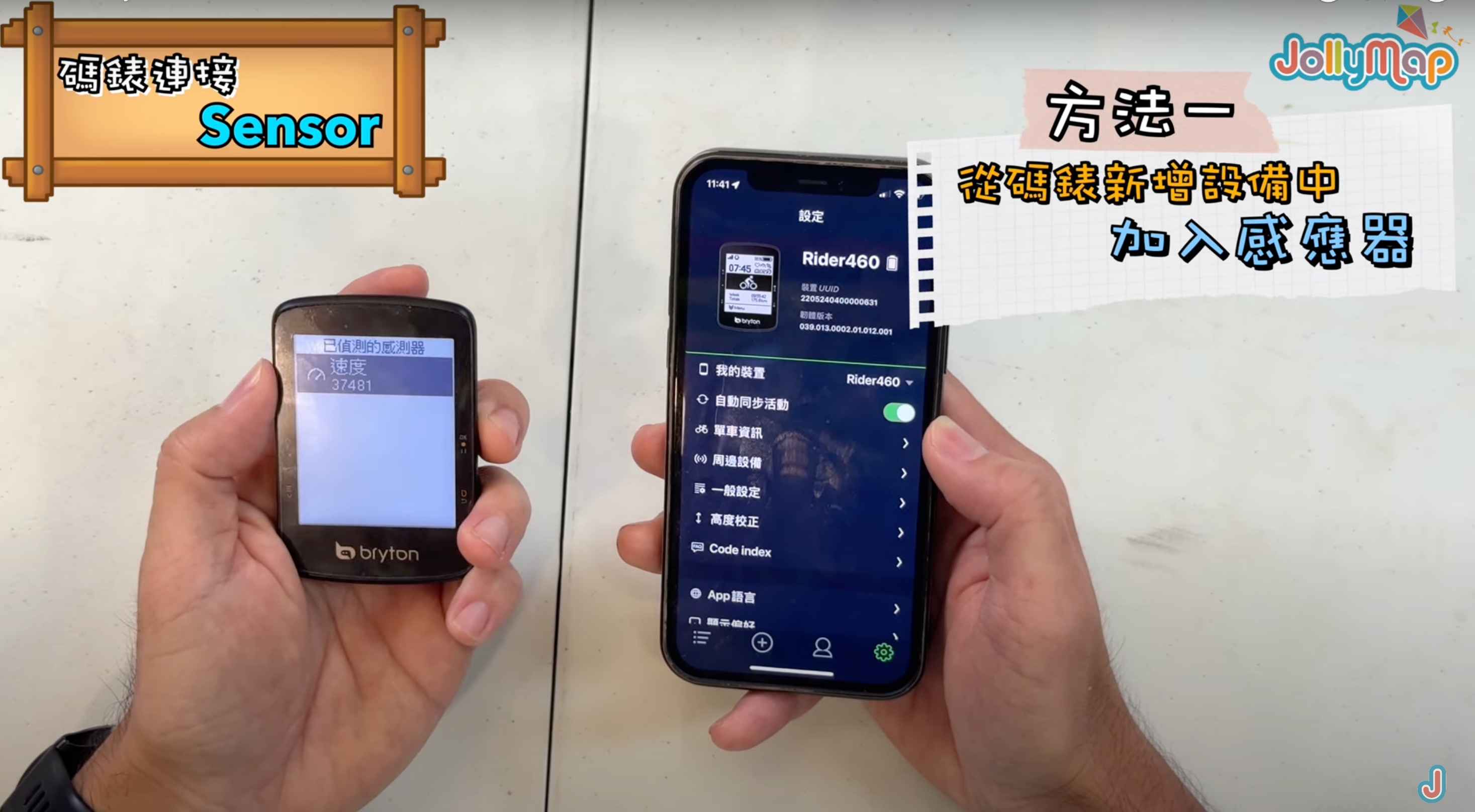
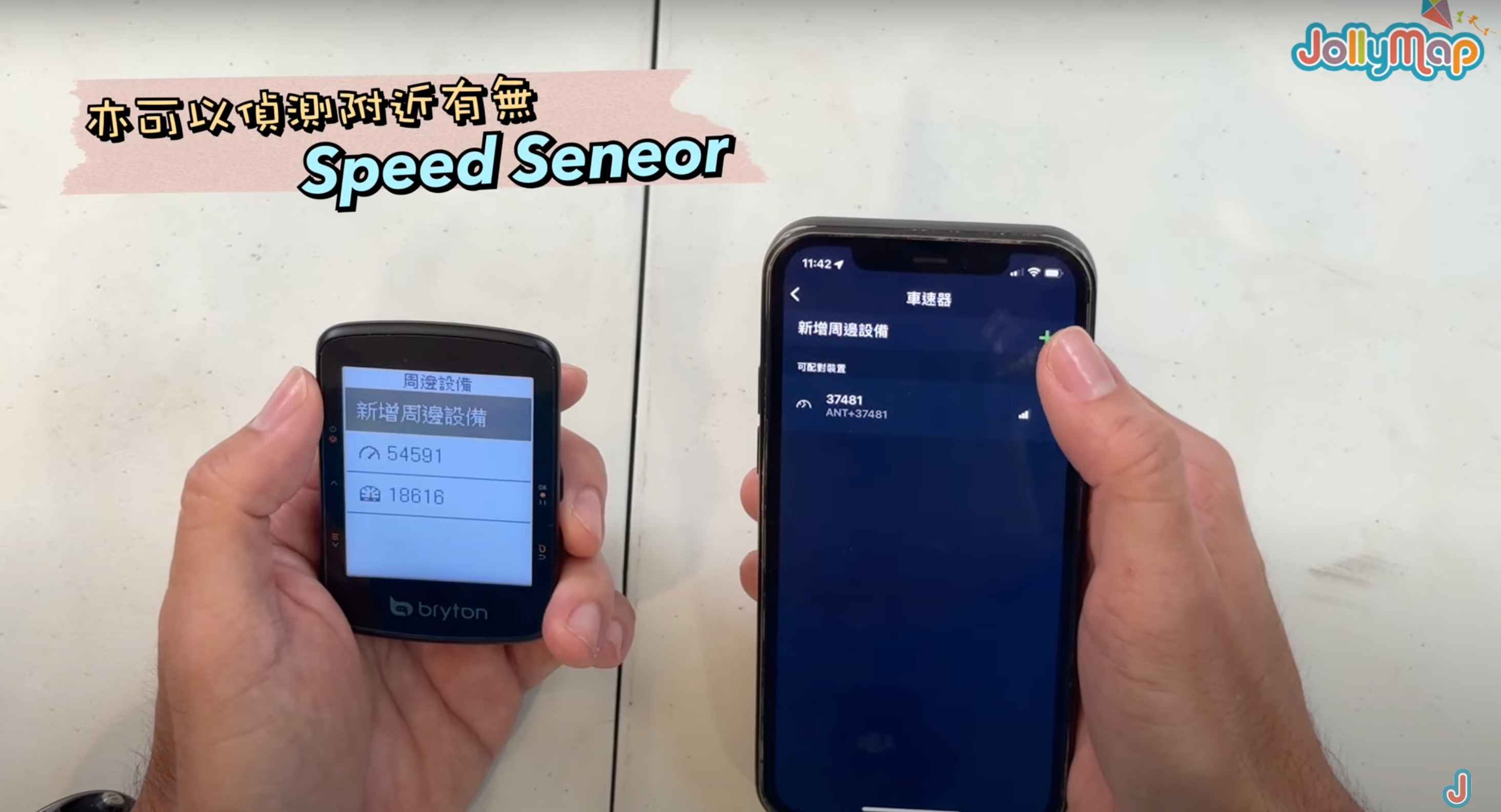
Bryton excels in connecting various sensors. With other brands, you often need to search and connect through the app, which can be cumbersome. However, Bryton’s computer makes this process very convenient. In the Bryton computer settings menu, there is a dedicated "Peripheral Settings" option. After pressing it, the computer will automatically scan for nearby connectable sensors, allowing users to easily select and connect the required sensors. This one-click connection feature greatly enhances the user experience, avoiding complicated manual operations.
This thoughtful design reflects Bryton's understanding of user needs, striving to provide a more convenient riding data experience.
Manual Connection
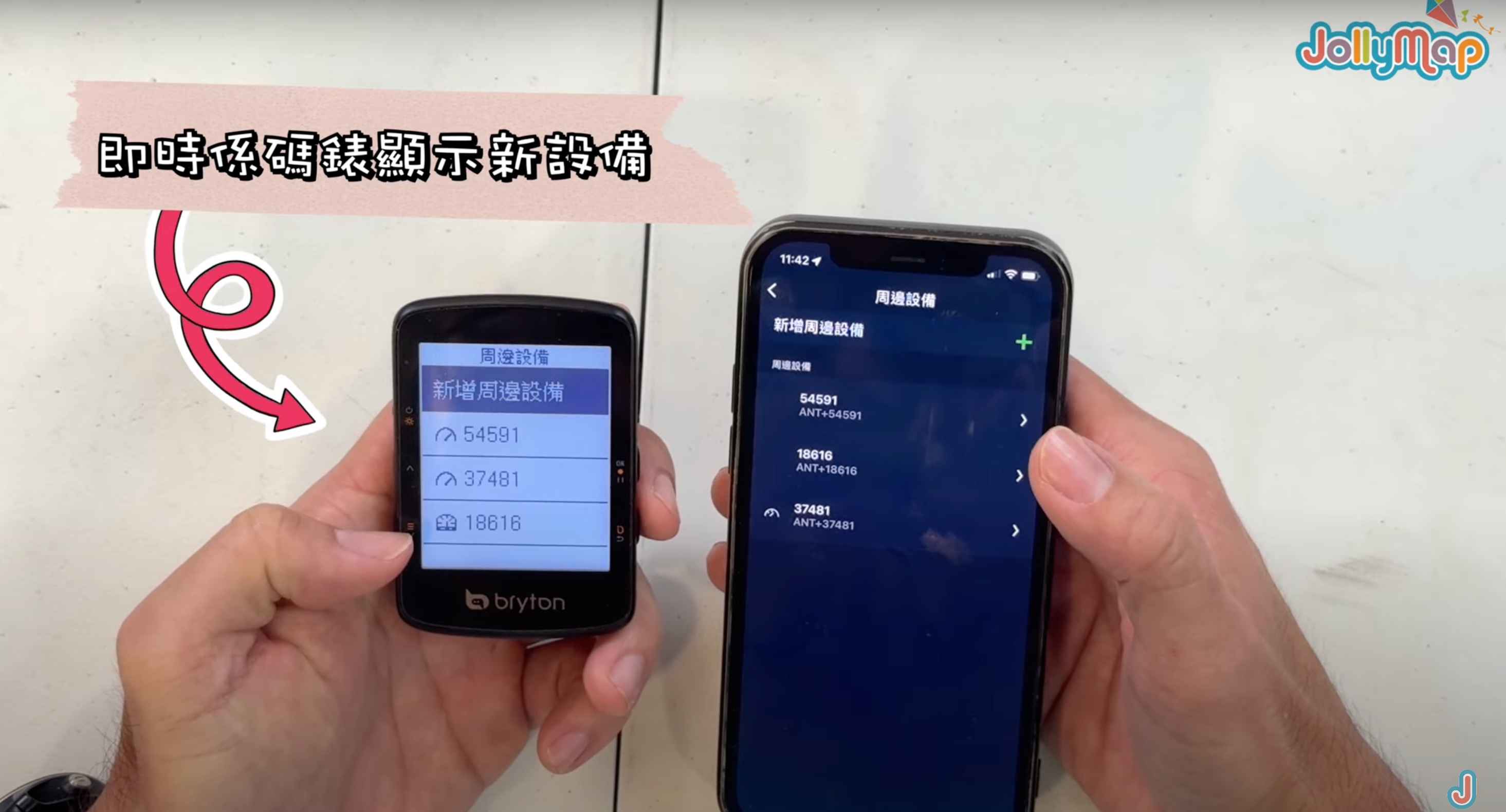
In the Bryton app's "Peripheral Devices" option, besides automatically scanning for nearby sensor devices, you can also manually select and add different types of sensors, such as speed sensors. When you select the type of sensor to add, the app will automatically detect if there are corresponding sensor devices nearby. Once connected, the newly added sensor device will automatically display on the computer interface. This automatic detection and quick connection feature greatly improves the user experience, avoiding the tedious steps of manual searching and connecting.
Smart Navigation Features of Entry-Level Computers
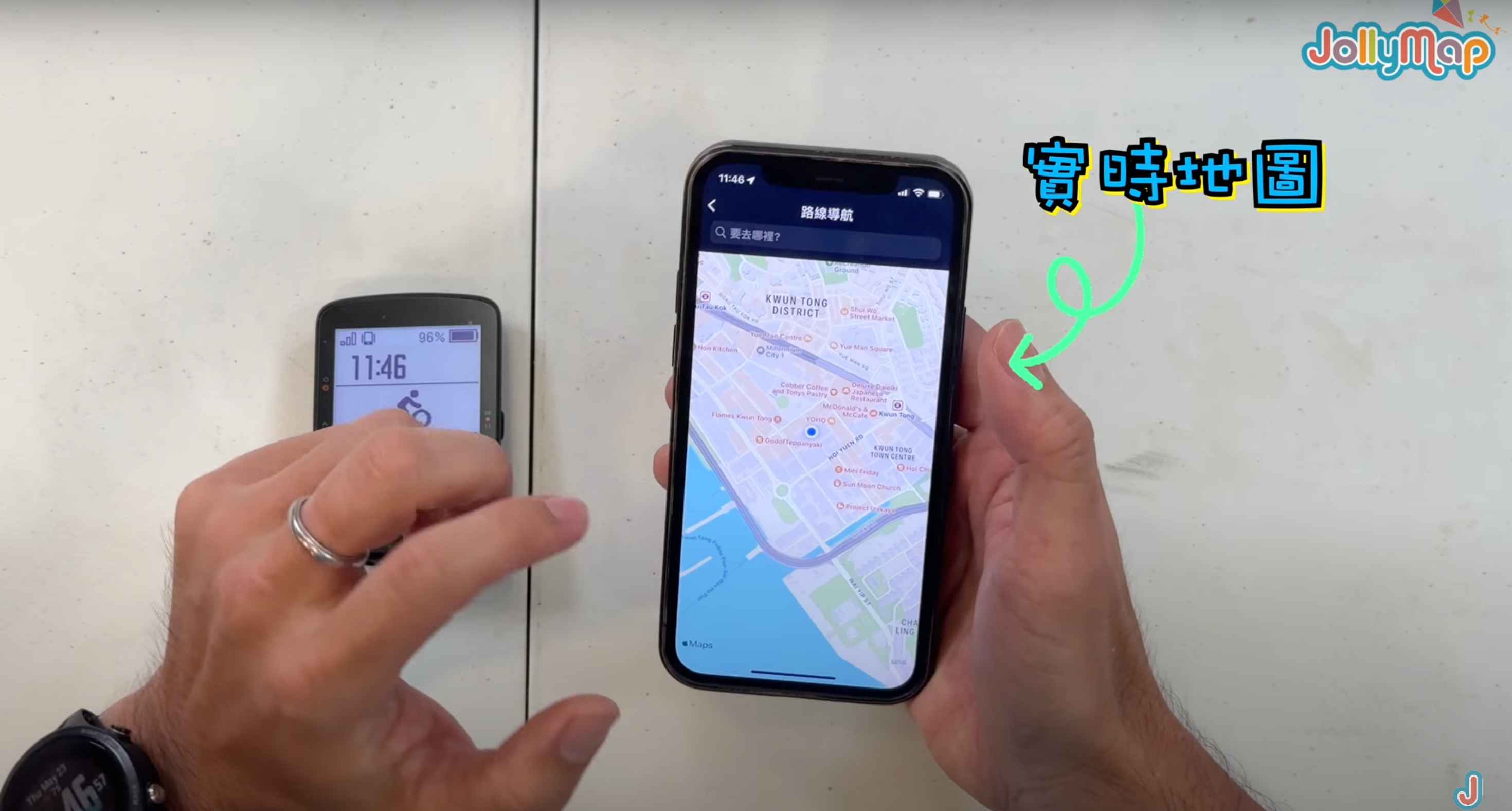
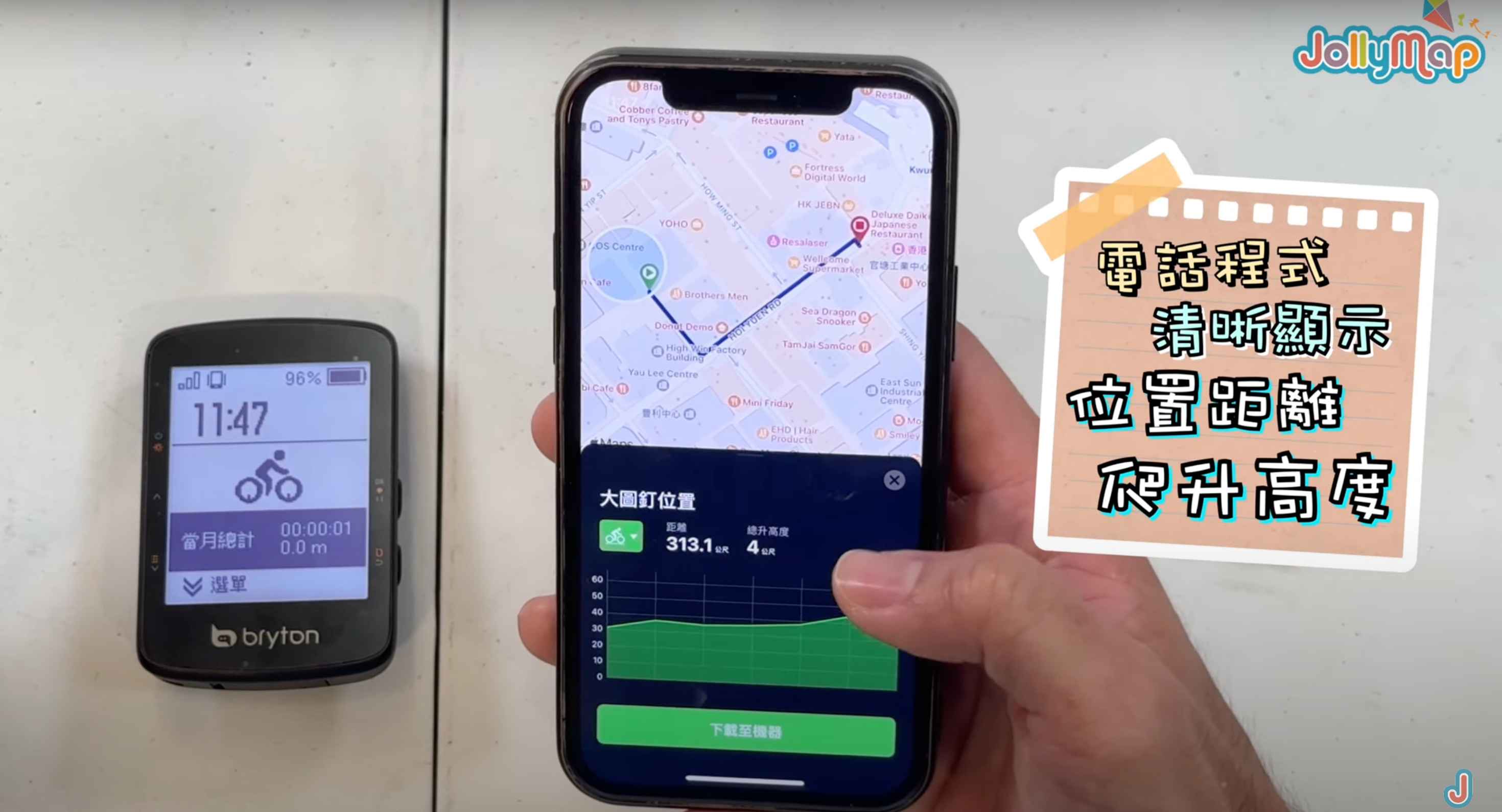
Even entry-level computers usually have some basic navigation features, such as route planning and real-time map display. These features make it easy for users to arrange routes and track locations. In these computers' apps, there is usually a clear interface layout, allowing you to see various functions at a glance, including route planning, training records, location tracking, and more.

When you choose a destination, the computer can provide real-time route navigation, including distance and elevation data. This way, users can directly sync navigation data to their phone without needing to check separately. Integrating the navigation function into the computer itself allows users to focus on riding without constantly operating their phone, improving riding convenience and safety.

Smart Connectivity Experience of Multifunctional Computers
Besides excellent basic navigation features, the Bryton 460 computer also boasts many advanced smart connectivity features.
For example, the built-in LIFE CHAT function allows friends using the same computer model to connect in real-time, sharing speed and location information instantly. The GROUP RIDE mode lets all members of a riding group see each other's positions and movements on the computer, greatly enhancing the sense of connection and safety during rides.
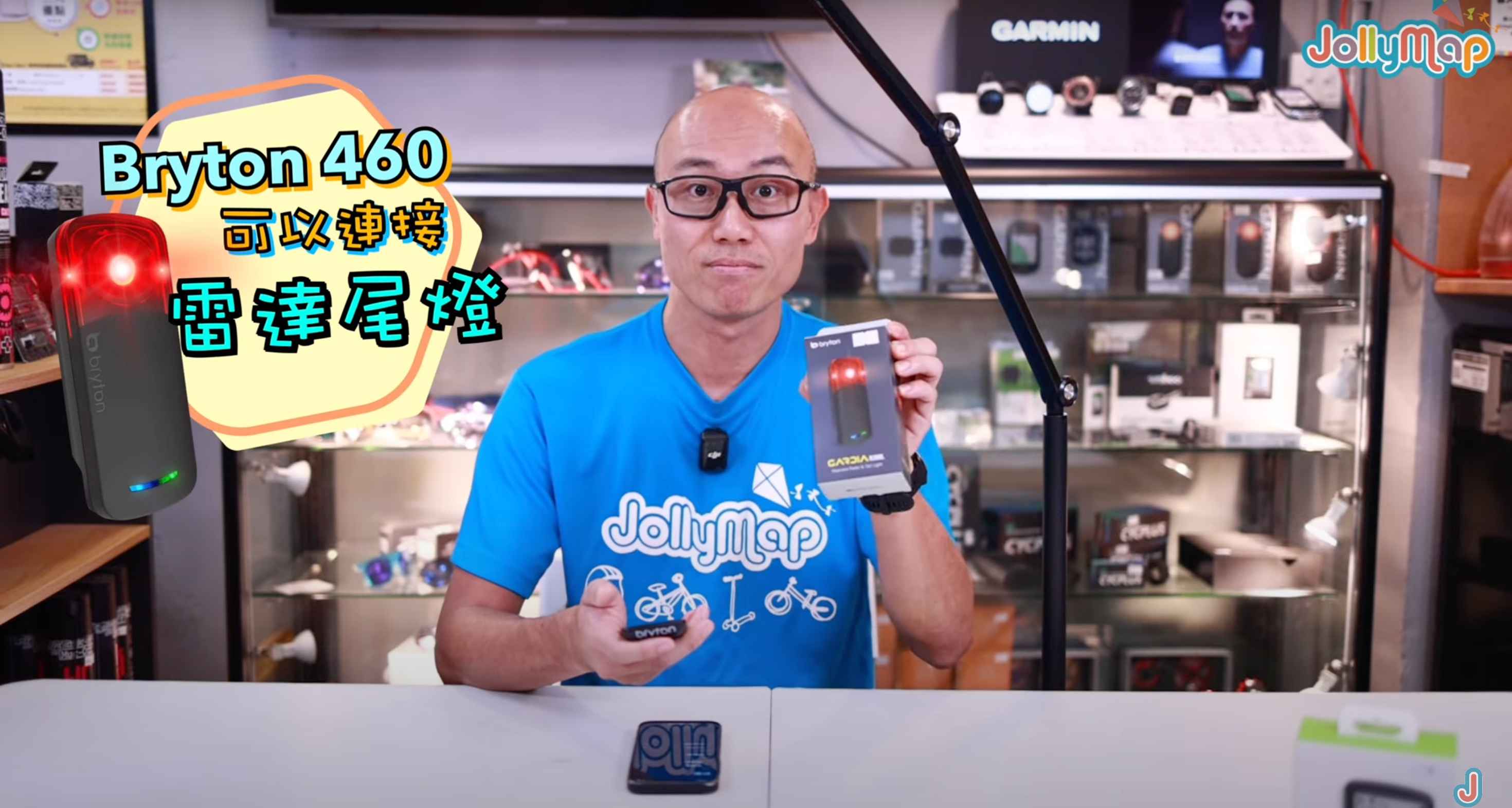
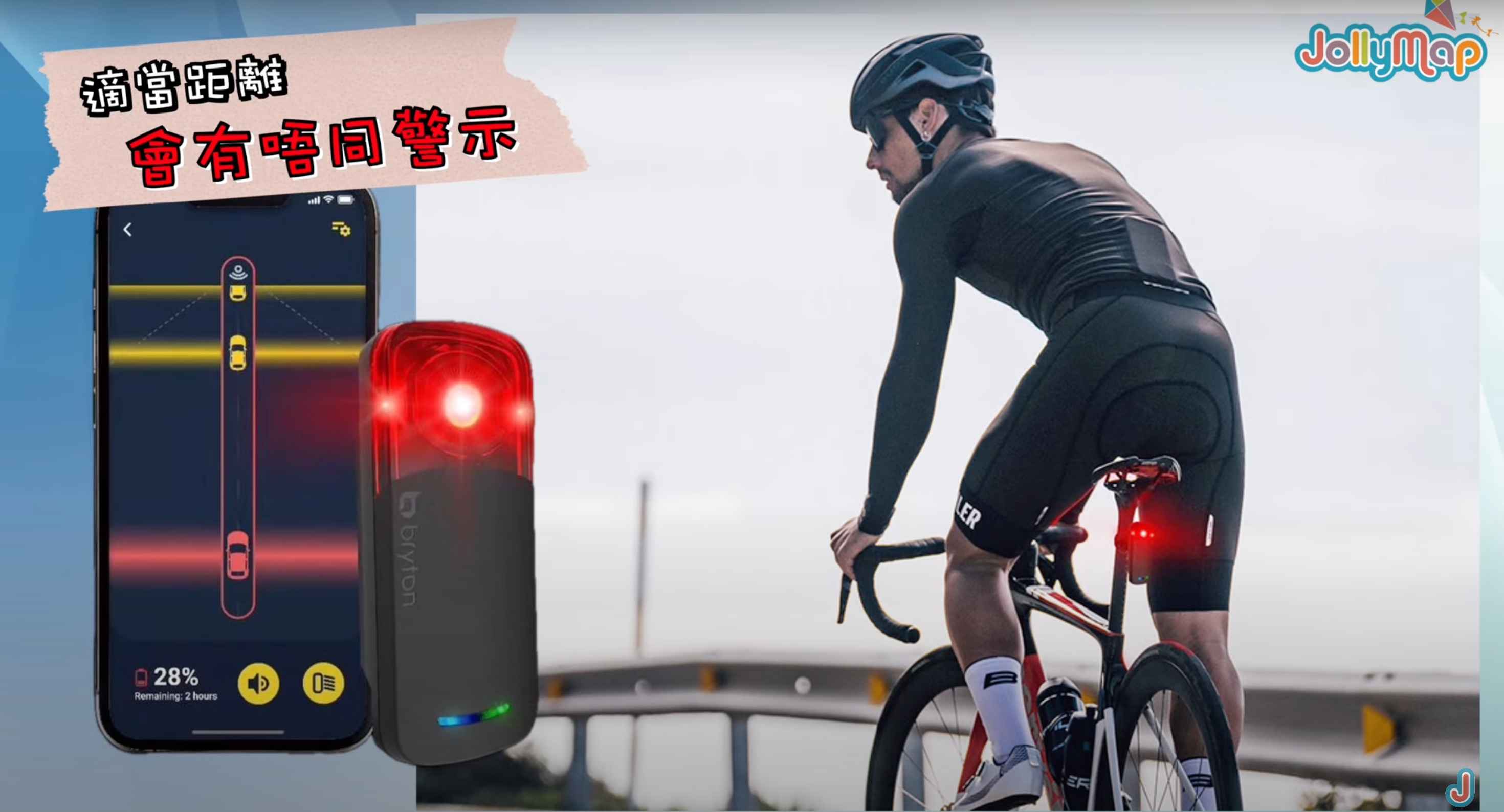
Another unique feature is the integration with Bryton's dedicated radar device. The computer can display real-time information about vehicles approaching from behind and issue alerts when necessary, significantly improving riding safety.
Moreover, this computer can connect to the world's five major satellite positioning systems, ensuring accurate positioning and navigation no matter where you travel. This provides users with a truly global usage experience.

In addition to the Bryton 460, the series includes other models worth noting, such as the more affordable Bryton 15 Neo entry-level computer and the compact Bryton 750 SE sports equipment. These products are now available at Jollymap. You can visit our stores or website to purchase them. Feel free to contact us anytime, and we will do our best to provide you with the best sports equipment!


